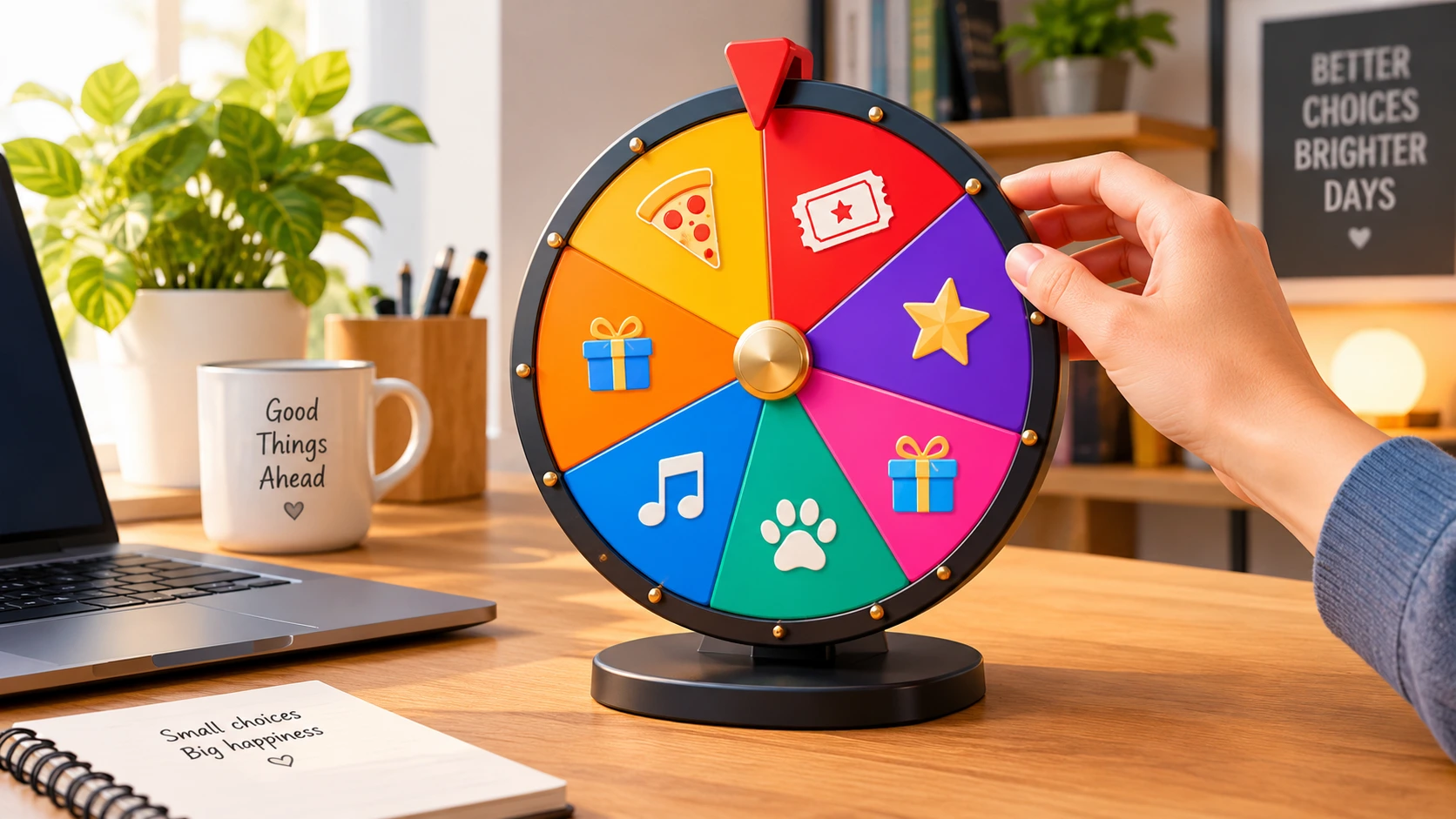
When I first started building PickRandomSpin, I had a very simple vision: a wheel that spins, lands on a random option, and helps people make a decision. I thought the "randomness" was the magic. But after watching thousands of users interact with the tool, I realized something profound. The magic isn't the randomness. The magic is the customization.
Every single day, I see people using our platform to create highly specific, deeply personal spin wheel custom setups. A teacher in Brazil building a wheel with her students' names. A Twitch streamer in Canada creating a "punishment wheel" for his community. A couple in France deciding who has to walk the dog tonight. A project manager in the US randomly assigning sprint tasks.
These aren't just random selections. They are personalized decisions. And that personalization changes everything. It transforms a simple web tool into an extension of your daily life, your classroom, your business, or your entertainment stream.
In this guide, I want to share with you the complete story of how to master the custom spin wheel. We'll explore the psychology of why personalized wheels work better, the endless creative use cases, design tips to make your wheel visually stunning, and the technical steps to build one from scratch.
The Psychology of a Custom Wheel: Why Ownership Matters
Why does a personalized wheel feel so much more satisfying than a generic one? As someone who has spent years studying user behavior on our platform, I can tell you it comes down to a psychological concept called psychological ownership.
When you add your own options to a wheel—whether it's your favorite restaurants, your team members' names, or a list of dares for a party—you are imbuing that digital object with a piece of your real life. The wheel is no longer an abstract tool; it becomes your wheel.
This ownership creates two powerful effects:
- Increased Trust: When you build the options yourself, you know the game isn't rigged. You trust the result because you trust the setup.
- Reduced Decision Anxiety: The wheel acts as an extension of your own mind. You've already done the hard work of listing the options. The wheel just does the final, stressful part: choosing.
This is why a custom random spin wheel is so much more effective than a standard decision maker. It bridges the gap between your personal preferences and the cold, hard math of randomness.
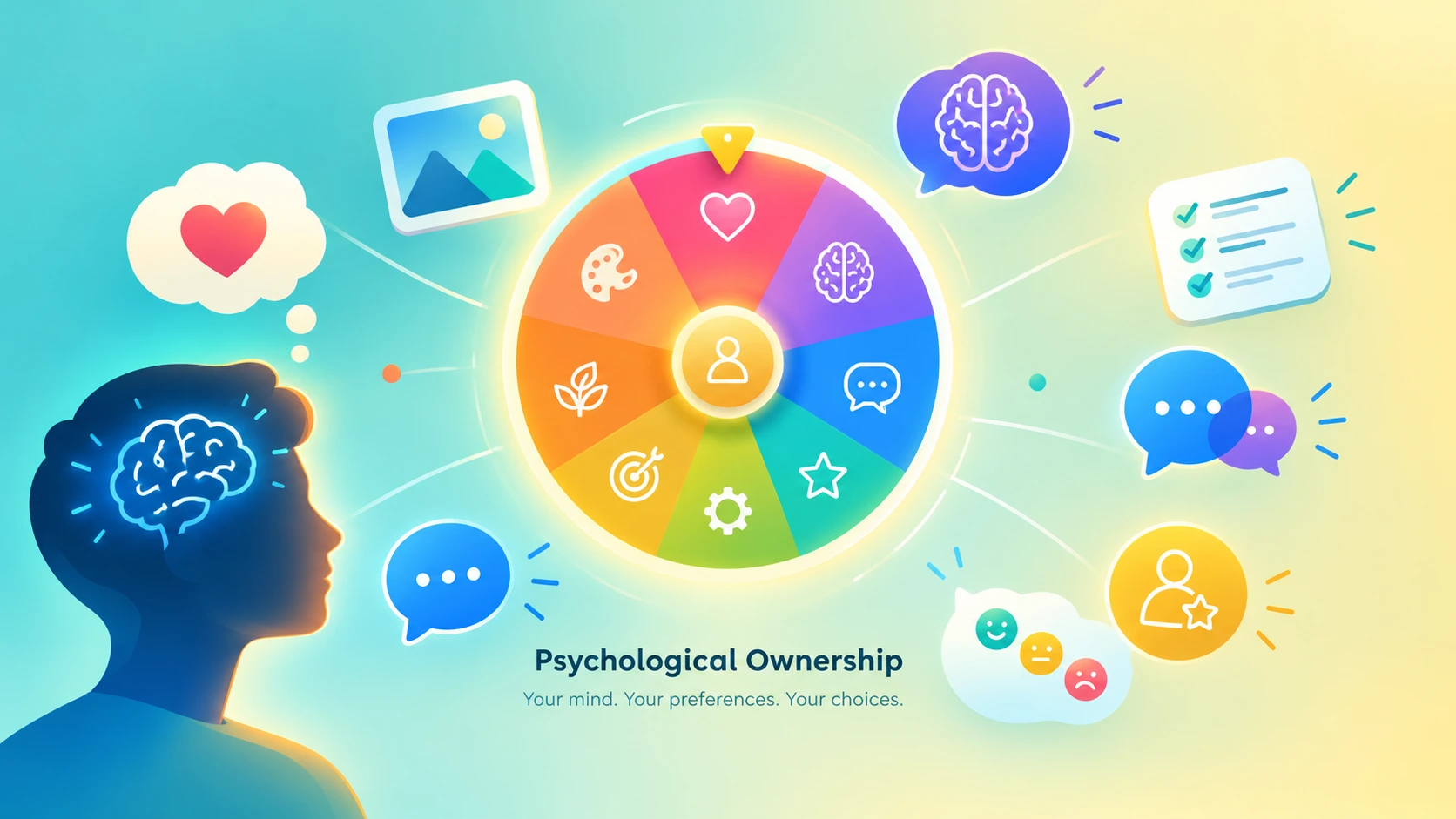
Image: The psychological impact of personalizing your decision wheel
Creative Spin Wheel Custom Ideas for Every Scenario
Over the years, I've seen some truly incredible uses of our spin wheel custom feature. I want to share some of the most creative ones to inspire you. Whether you are a creator, a teacher, or just someone looking to add a little fun to your daily routine, there is a custom wheel for you.
1. The Ultimate "What to Watch" Wheel
We all suffer from streaming paralysis. You spend 45 minutes browsing Netflix or Disney+, and eventually, you just give up and rewatch The Office for the tenth time. The solution? Build a spin wheel custom for your movie nights. Add every movie you and your partner or friends have been meaning to watch. When it's time for movie night, spin the wheel. No arguments, no endless scrolling. Just spin, watch, and enjoy. You can even check out our guide on beating decision fatigue to learn more about why this works.
2. The Classroom Engagement Wheel
Teachers are some of our most passionate users. A custom wheel is an incredible tool for classroom management. Instead of calling on the same students who always raise their hands, a teacher can add all the students' names to a random name picker. It ensures fairness and keeps students on their toes. But you can get even more custom: create a wheel with "Review math," "Review history," and "Surprise quiz" to decide the day's warm-up activity. It's engaging, interactive, and the students absolutely love it.
3. The Streamer's Punishment Wheel
For content creators and streamers, engagement is everything. A custom wheel has become a staple of interactive streams. The streamer sets up a wheel with hilarious (and safe) punishments: "Sing a song," "Do 20 pushups," "Speak in a British accent for 10 minutes," or "Let chat pick the next game." When a subscriber donates or a milestone is reached, the wheel decides the fate. It's the perfect blend of audience participation and pure entertainment.
4. The Task Assignment Wheel for Teams
In the corporate world, nobody wants to volunteer for the most tedious tasks. A custom wheel removes the social friction. Add all the mundane tasks to the wheel—"Update the CRM," "Organize the shared drive," "Take meeting notes"—and spin it at the start of the sprint. It's fair, transparent, and it eliminates the awkward silence of "who wants to do this?"
5. The "Where to Eat" Food Picker
This is perhaps the most common use case in the world. You and your friends are hungry, but nobody can agree on a place. The custom wheel solves this in seconds. Add your favorite local spots, your go-to fast food chains, and maybe even that one fancy restaurant you've been saving for a special occasion. When the wheel lands, the decision is made. You can also read our article on fun ways to use a random wheel for more dinner-time inspiration.
How to Design the Perfect Custom Wheel
When I designed the user interface for PickRandomSpin, I spent countless hours thinking about visual design. A custom wheel shouldn't just be functional; it should be beautiful. Here are my top tips for designing a wheel that looks as good as it works.
1. Keep Your Options Concise
If your option text is too long, the wheel will look cluttered, and the text might overlap. Try to keep your options to 1-3 words. Instead of "Go to the Italian restaurant down the street," just write "Italian Food." The wheel is meant to be a quick visual cue, not a paragraph.
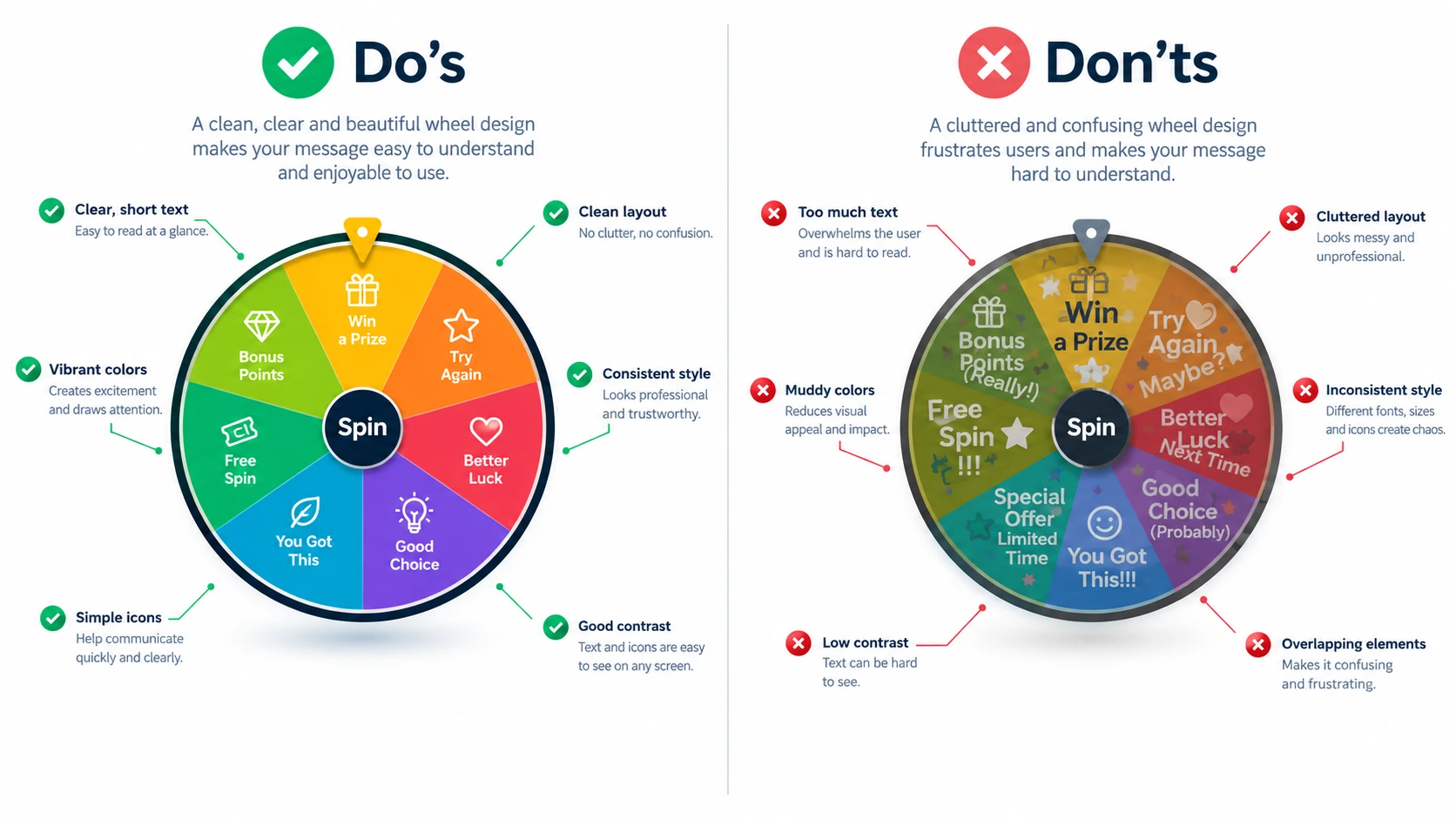
Image: Best practices for designing a clean and visually appealing custom wheel
2. The Sweet Spot: 6 to 12 Options
Technically, our system allows up to 20 options. But from a design perspective, the sweet spot is between 6 and 12 options. With this number, the wheel segments are large enough to read clearly, and the spinning animation is more satisfying. If you have more than 12 options, consider grouping them or running multiple rounds.
3. Use Contrasting Colors (Or Let Us Do It)
Color is the most important visual element. If your colors are too similar (like dark blue and dark purple), the wheel will look muddy and unappealing. Our platform automatically assigns high-contrast, vibrant colors to your segments, but if you have the option to customize, stick to a palette of bright, distinct colors.
4. Add a Touch of Personality with Emojis
Emojis are a fantastic way to add personality to your custom wheel. Instead of just "Pizza," try "🍕 Pizza." Instead of "Walk the dog," use "🐶 Walk the dog." It makes the wheel instantly more readable and 100% more fun. We've written a whole guide on fair giveaways and winner selection where visual cues play a big role.
The Founder's Take: Why I Built the Custom Feature
People often ask me why I spend so much time building out the customization features when the core mechanic—the spin—is so simple. My answer is always the same: because life is complex.
When I look at the analytics of our platform, I see stories. I see teachers in 150+ countries building wheels for their classrooms. I see streamers using the team picker to divide their communities into teams for game nights. I see families using the wheel to decide on their weekend activities.
The "spin" is just the engine. The "custom" is the steering wheel. It's what allows you to take this tool and make it yours. My goal with PickRandomSpin was never to build a toy. It was to build a utility that genuinely makes people's lives easier and more fun. And seeing you all customize your wheels to fit your unique lives is the most rewarding part of this entire journey.
Frequently Asked Questions
Can I save my custom spin wheel?
Yes! Once you create a wheel with custom options, you can bookmark the URL or use the share button to save the link. When you return to the link, your custom options will still be there.
Is the spin wheel custom 100% random?
Absolutely. We use a cryptographic random number generator (the same technology used in online banking) to ensure that every spin is perfectly random. No biases, no algorithms, and no way to rig the result.
How many options can I add to a custom wheel?
Currently, our system supports up to 20 custom options per wheel. However, for the best visual experience, we recommend using between 6 and 12 options.
Can I use emojis and symbols in my wheel options?
Yes! We highly encourage it. Adding emojis (like 🍕 for pizza or 🎁 for gifts) makes the wheel much more visually appealing and easier to read at a glance.
Ready to Build Your Own Custom Wheel?
Create a personalized spin wheel in seconds. Add your own options, choose your colors, and let the wheel decide!
🎡 Create Your Custom Wheel Now👤 About the Author
Achiche Mohamed
Graphic Designer & Founder of PickRandomSpin
Achiche Mohamed is the founder of PickRandomSpin.com. With a background in graphic design and a passion for building useful web tools, he created the platform to help people make fair, fun, and stress-free decisions. He is dedicated to continuously improving the user experience and providing free, accessible tools for everyone.